
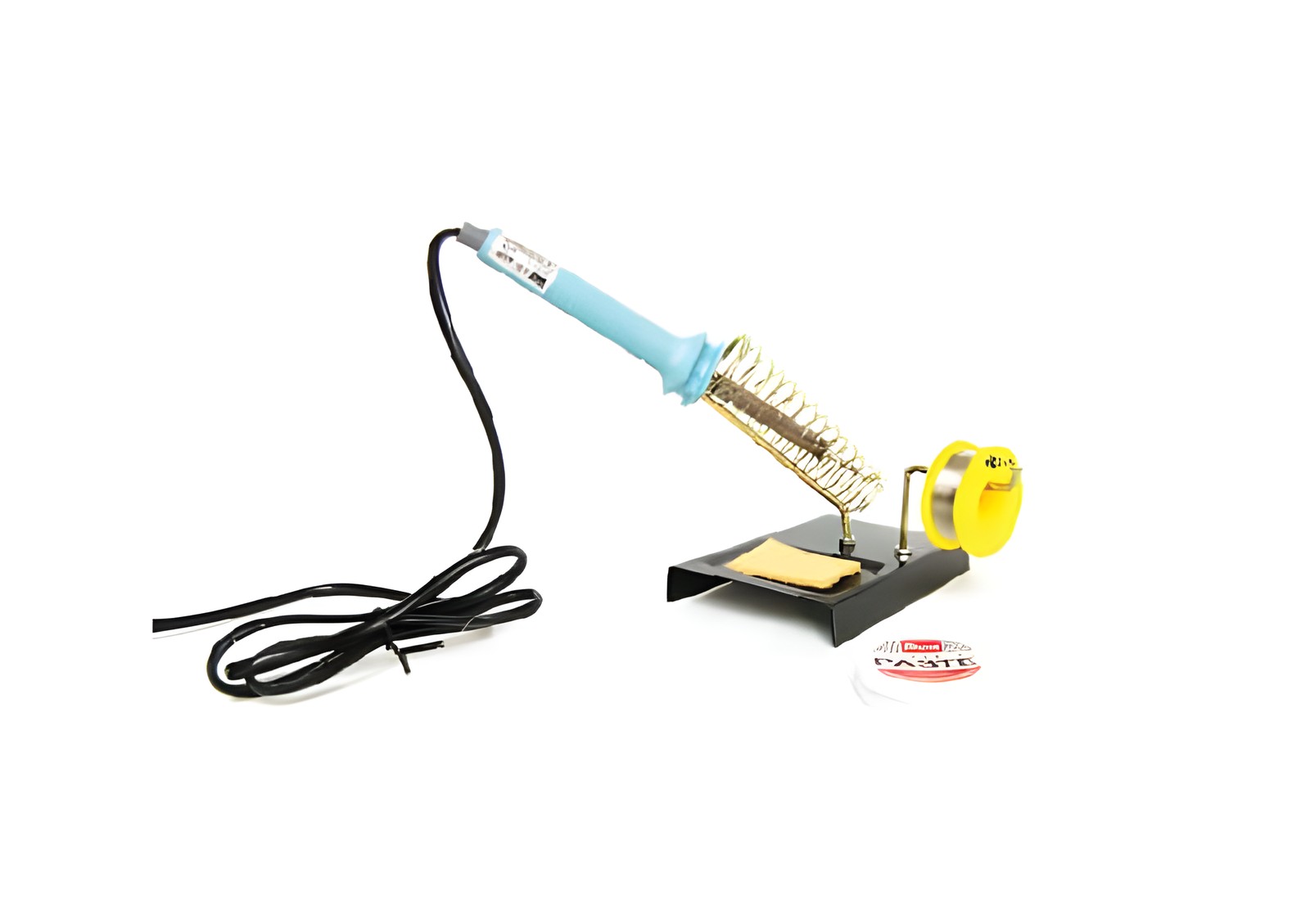
kit-guides
Soldering safely: a first lesson for young makers
The safety rules first, then a clean, strong solder joint in four moves.
Read →kit-guides
From an unopened box to a blinking, beeping Arduino in about twenty minutes.
An Arduino is a small computer you program to control lights, sounds, motors and sensors. Here's how to go from an unopened box to your first program in about twenty minutes.
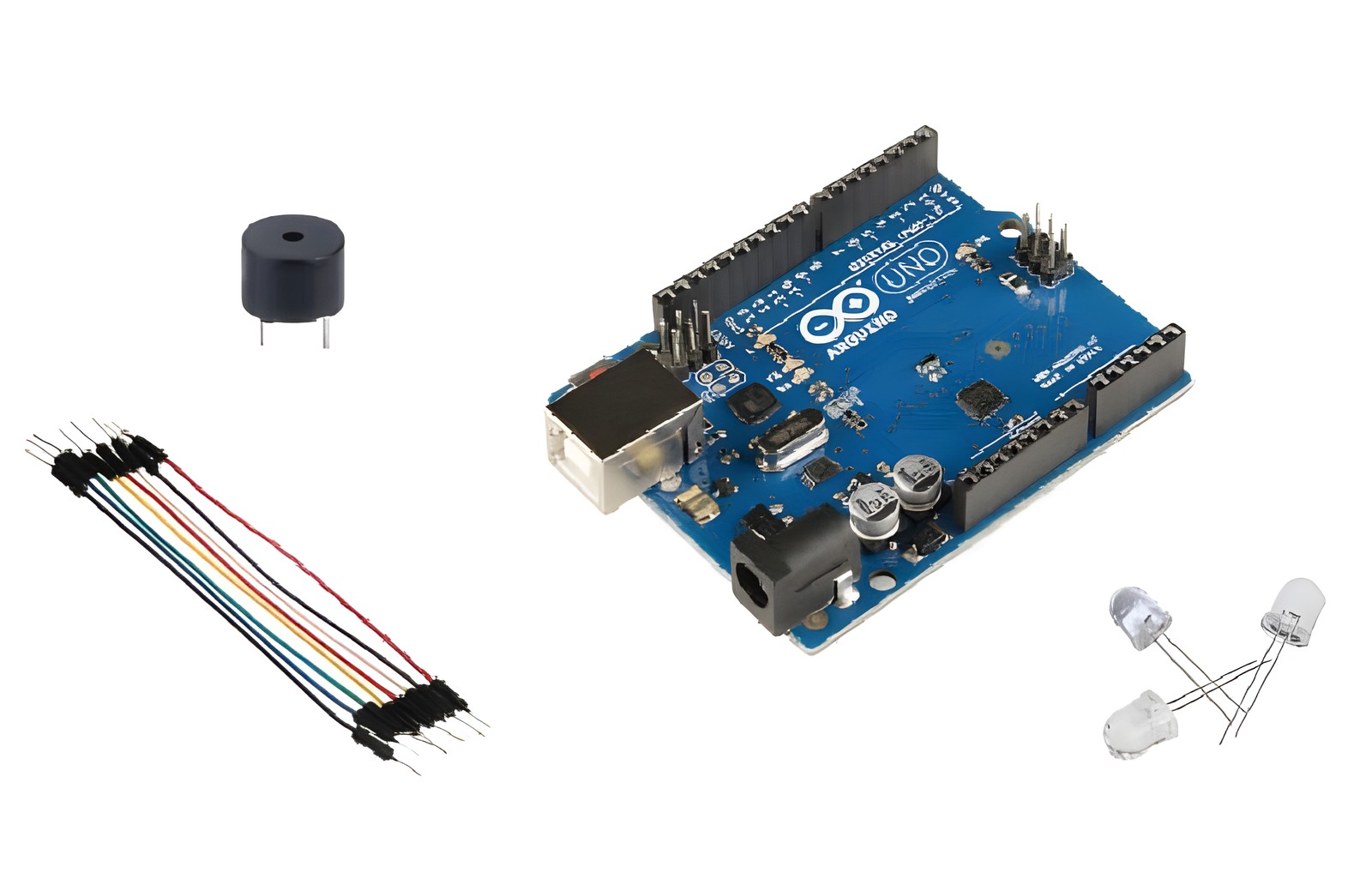
An Arduino board and its USB cable.
A computer with the free Arduino IDE from arduino.cc.
For the second step, a buzzer and two jumper wires.
The board has a light built in on pin 13. Connect the board, choose it under Tools → Board, then upload this:
void setup() {
  pinMode(13, OUTPUT);
}

void loop() {
  digitalWrite(13, HIGH);
  delay(500);
  digitalWrite(13, LOW);
  delay(500);
}Wire the buzzer's + leg to pin 8 and the other to GND, and add this to loop():
tone(8, 880, 200);Change the numbers. Make it blink faster, beep lower, or play a pattern. Every change you upload is a decision a machine now follows. Next, add a button and you've built an alarm.
The full getting-started guide for our Arduino Starter Kit is in the Fix-it Corner.
Related
kit-guides
The safety rules first, then a clean, strong solder joint in four moves.
Read →If this post raises a question about your own deployment, that's a conversation worth having directly.