
learnosteam
Simulators first, hardware second: how LearnOSTEAM teaches robotics
Why LearnOSTEAM starts robotics on screen, and where real hardware comes in.
Read →maker-spaces
Five things the makerspaces that keep running after the opening ceremony have in common.
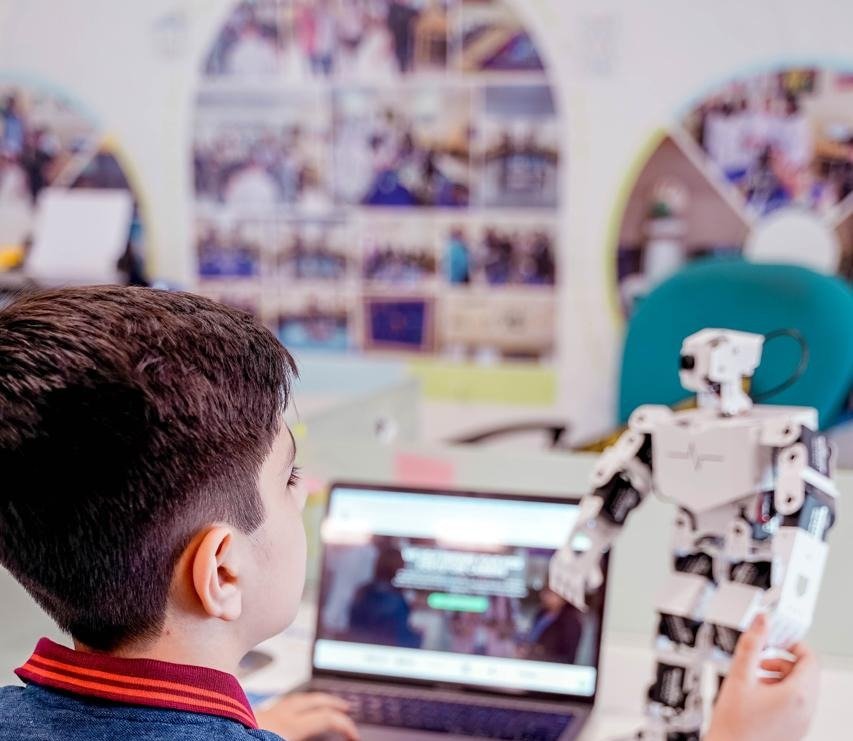
A makerspace is more than a room full of equipment. The ones that keep running after the opening ceremony have five things in common.
Start from the students and the timetable, not a catalogue. How many students use it at once, how often, and for which subjects decides what goes in it.
Open-ended tinkering is fun for a week. A structured, lesson-based approach gives every session a specific learning outcome, so the space earns its place in the timetable.
The space only lasts if the school's own teachers can run it. Training them is part of setting it up, not an extra.
Cost-efficient hardware kits, matched to the curriculum, go further than expensive machines that only one class can use.
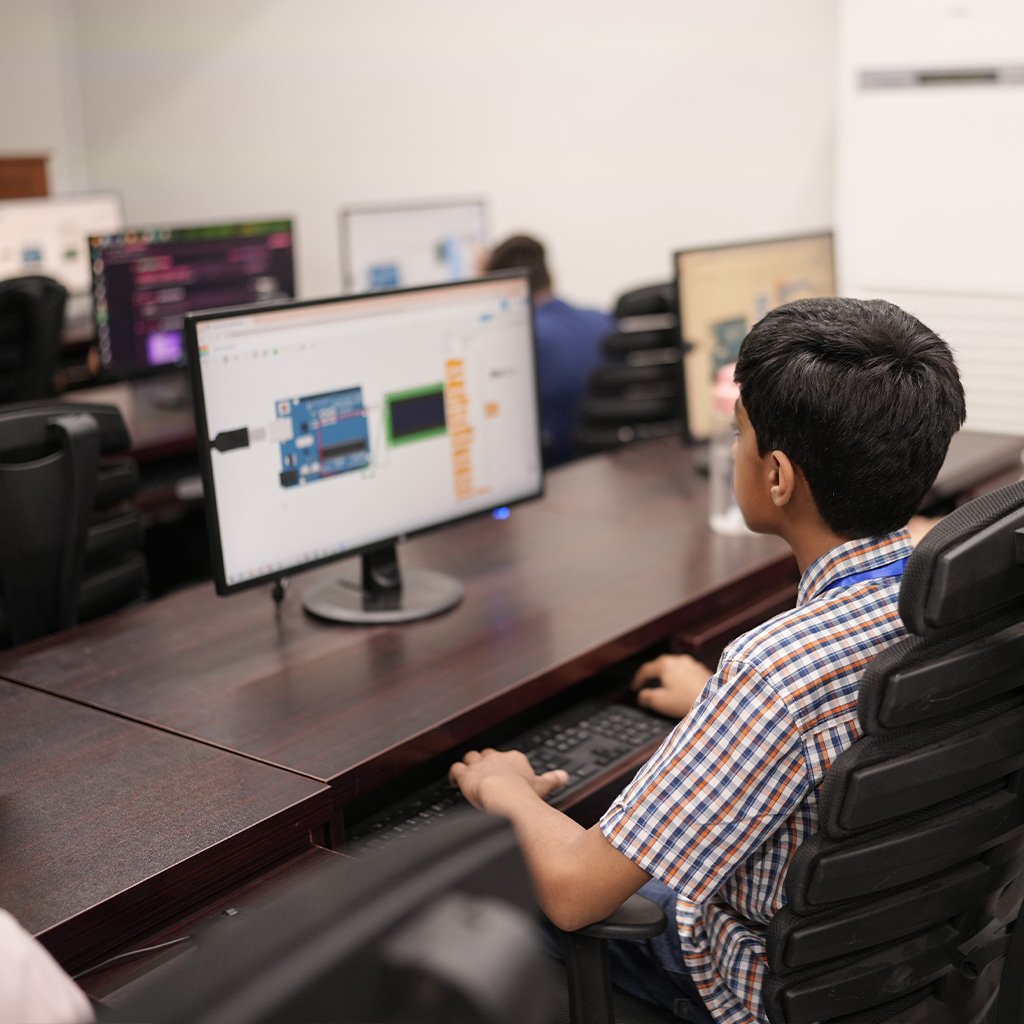
Where room or budget is tight, simulators give students the maker experience on screen, with hardware add-ons as the programme grows.
Our Maker Spaces page explains how we design, equip and set one up with a school.
Related
learnosteam
Why LearnOSTEAM starts robotics on screen, and where real hardware comes in.
Read →If this post raises a question about your own deployment, that's a conversation worth having directly.